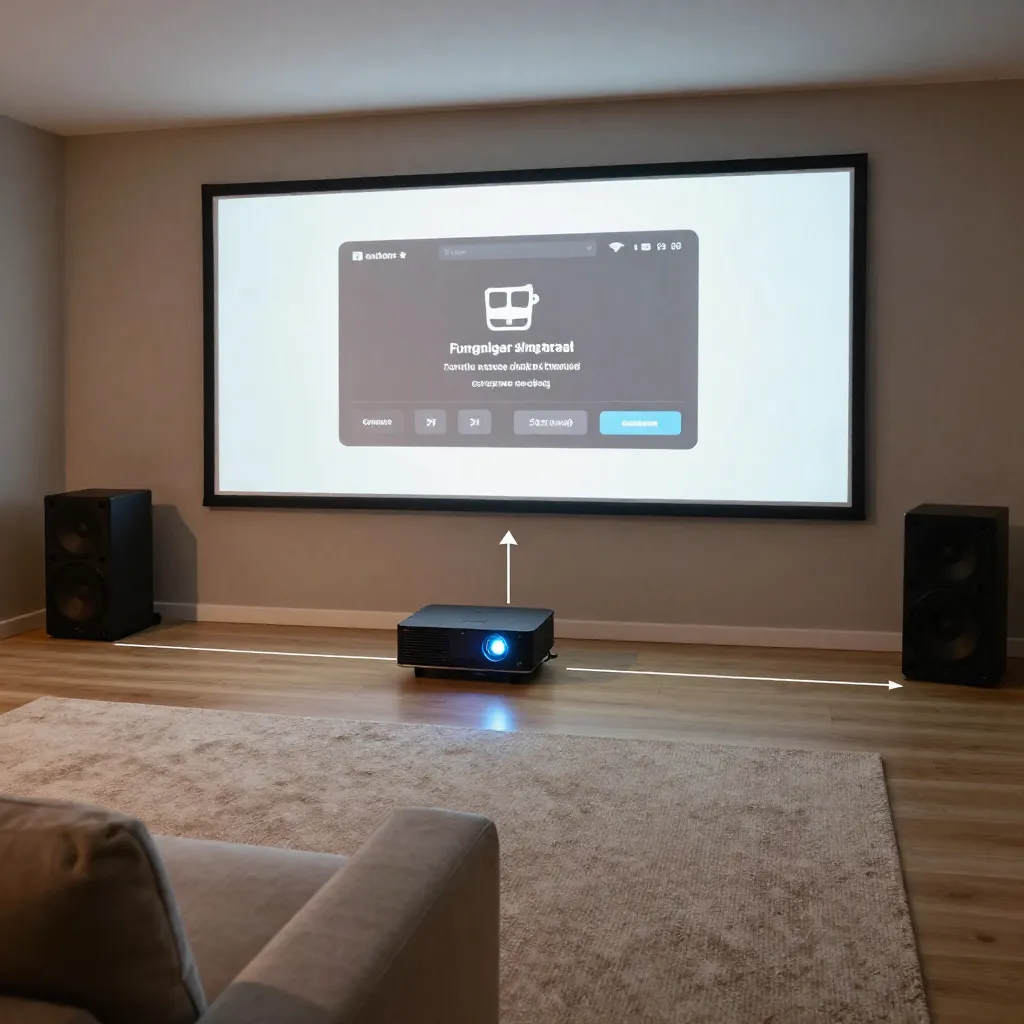
Universal Control Interfaces
One-Touch Operation
Universal control interfaces allow operation of multiple devices from a single control point. This simplifies the user experience by consolidating control of projectors, displays, audio receivers, and source devices into intuitive activity-based commands.
Device Integration
Control systems are configured to communicate with various device types through multiple protocols including infrared, RS-232, IP control, and HDMI-CEC.
This multi-protocol approach ensures compatibility with equipment from different manufacturers and allows for reliable control regardless of device age or communication method.
- Infrared code learning and database matching
- Serial communication for professional equipment
- IP-based control for network-enabled devices
- HDMI-CEC for consumer electronics
Projector System Setup
Control Interface Configuration
Projector control interfaces are configured to manage power states, input selection, lens adjustments, and calibration presets. This enables automated operation sequences that optimize projector settings for different content types.
Lens memory functions are programmed to recall specific zoom, focus, and shift settings for different aspect ratios or screen configurations.
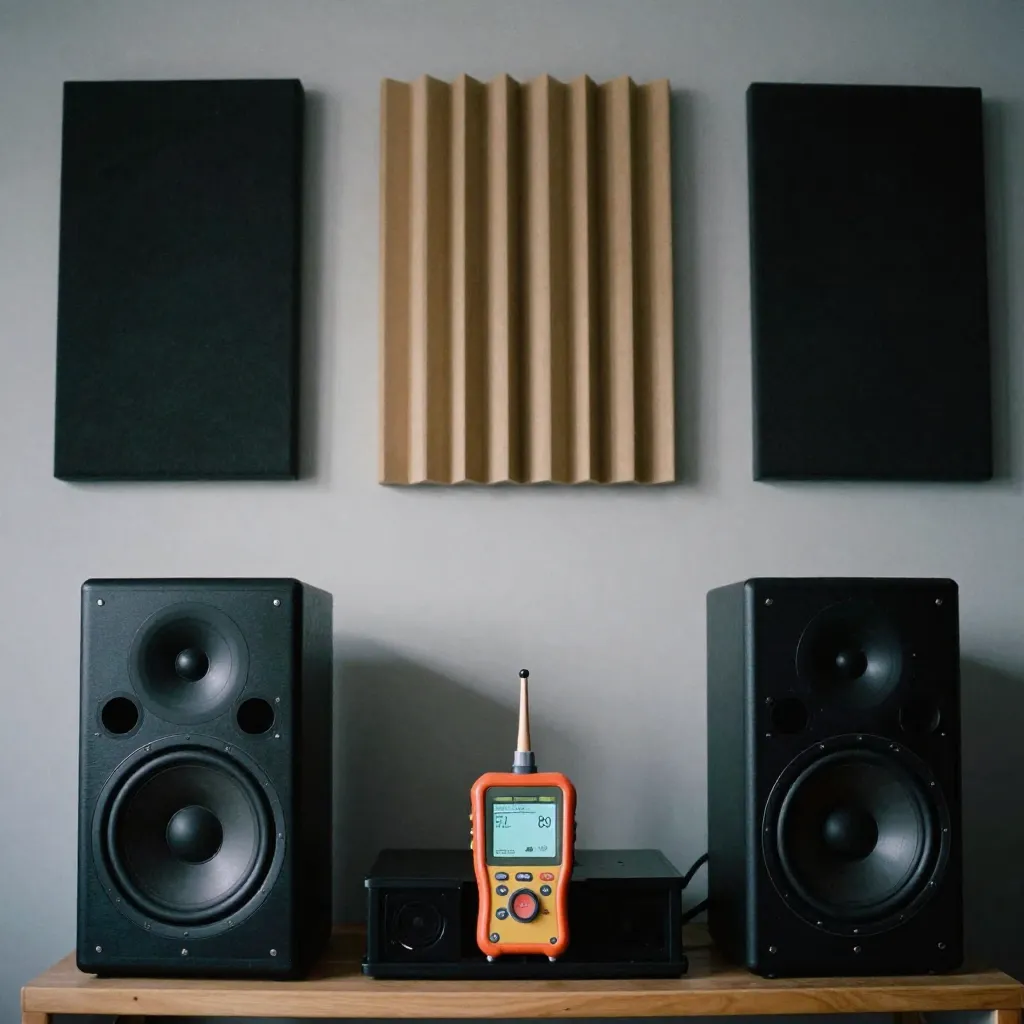
Automated Sequences
Macro programming creates automated sequences that handle multiple device operations with a single command, such as powering on all components and selecting appropriate inputs.
OLED and Display Integration
Input Management
Automatic input switching based on source device activity, ensuring the correct input is selected when devices are activated.
Power Control
Coordinated power management that sequences device power-on and power-off operations to prevent signal interruption or device conflicts.
Preset Management
Storage and recall of display calibration presets for different viewing modes, content types, or ambient lighting conditions.
Audio Receiver Control
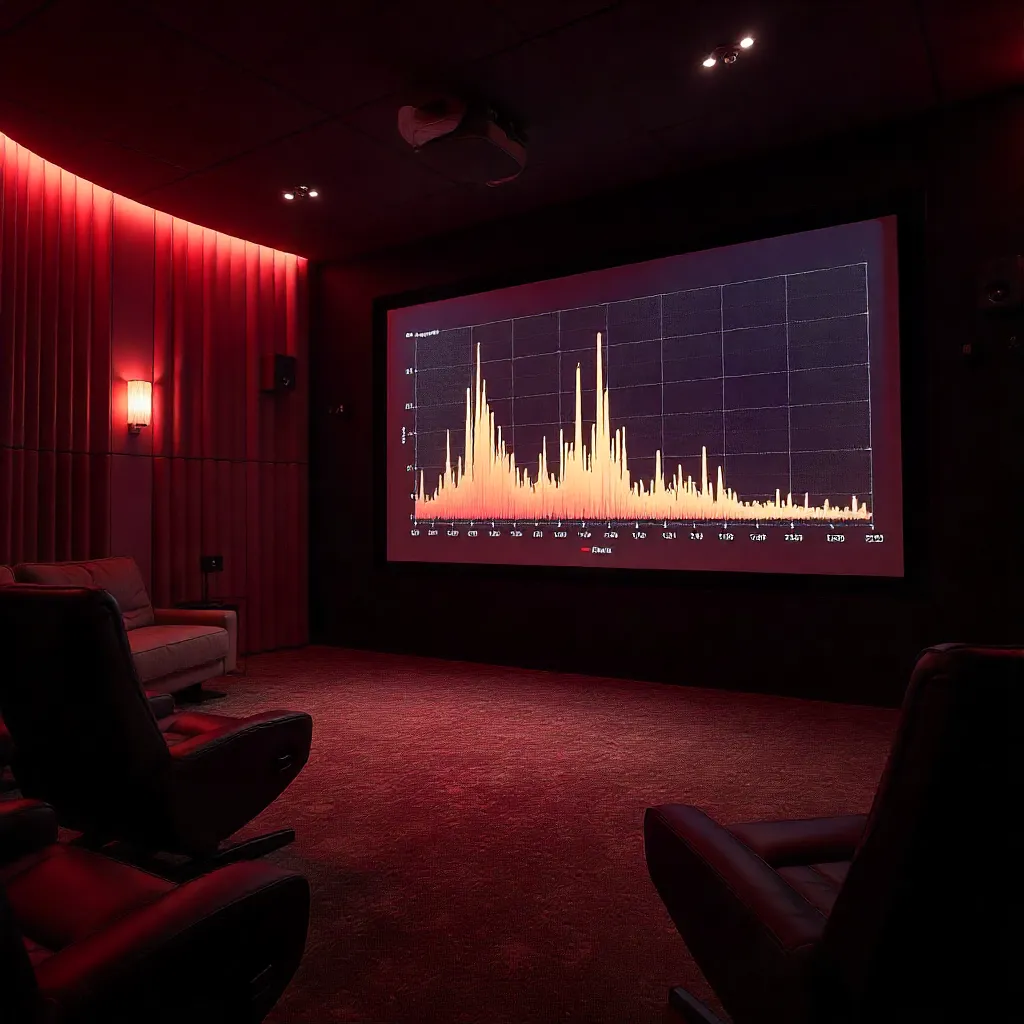
Source Selection
Automated audio source selection that synchronizes with video source changes, ensuring audio and video remain matched during content playback.
Audio Mode Management
Control interfaces are programmed to select appropriate audio processing modes based on content type, such as stereo, surround, or immersive audio formats.
Volume control integration allows for unified volume management across all audio sources, with optional room-specific volume presets for different listening scenarios.
- Automatic audio format detection
- Volume level presets per activity
- Subwoofer level integration
- Room correction system control
Smart Home Platform Integration
Modern control systems can integrate with popular smart home platforms for voice control and automation:
Voice Control
Integration with voice assistant platforms enables hands-free control of cinema systems through natural language commands.
Mobile Apps
Dedicated mobile applications provide remote control capabilities and system status monitoring from smartphones and tablets.
Network Integration
IP-based control allows integration with home automation systems for coordinated operation with lighting, climate control, and other home systems.